Make the page yours.
Headings, fonts and sizes, links and pictures. Insert an image from a file or paste it from your clipboard, then resize it with a corner handle or an exact width.
v0.2 · In active development macOS & Windows
Folio is a Markdown and HTML editor that gets out of your way. Write visually, work in source, or watch both side by side. Your documents stay ordinary files, on your own machine.
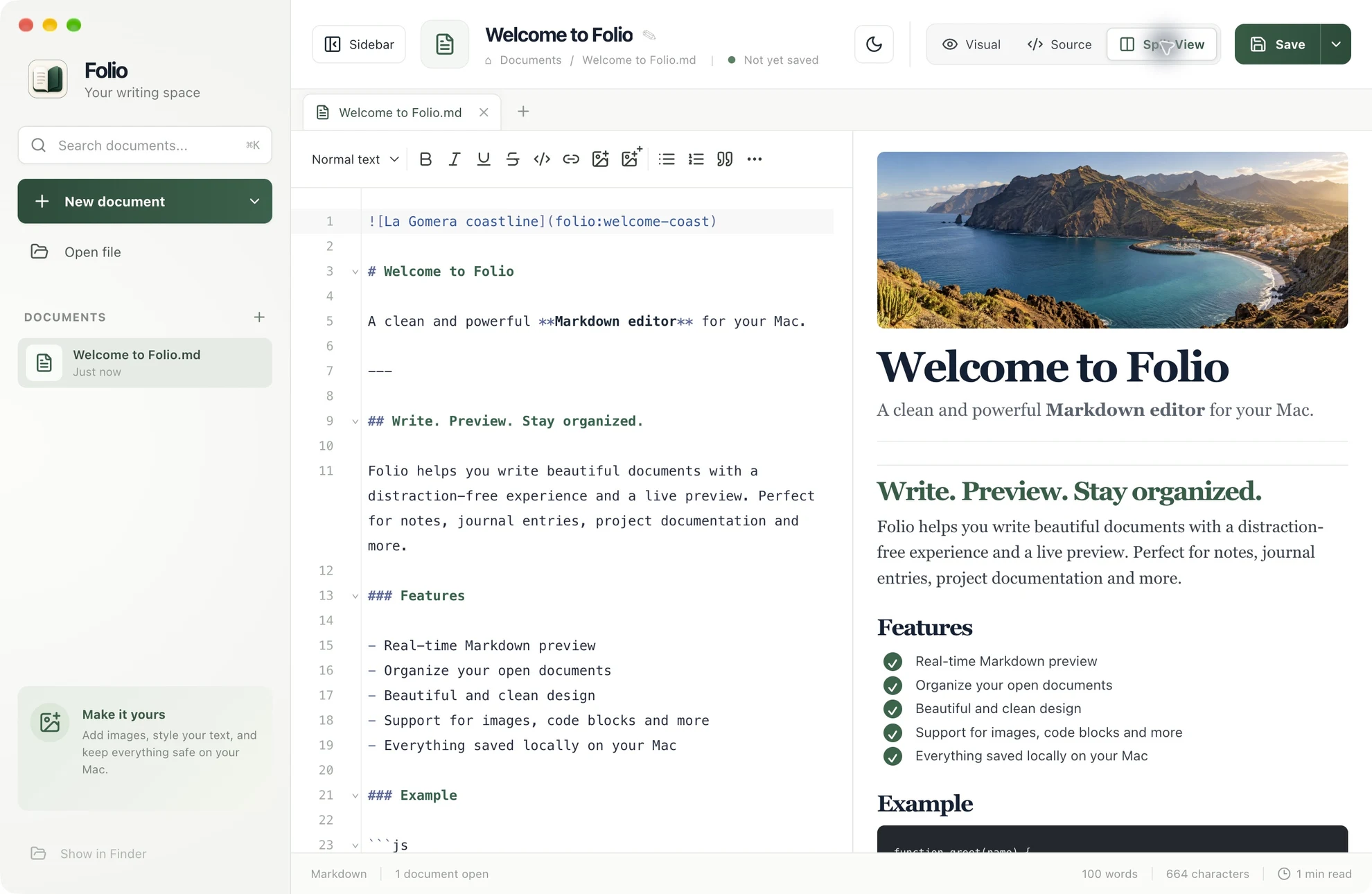
Real app. Real documents. Captured from the Mac build.
01 Try it
This is a small recreation of Split View, running right here. Edit the Markdown on the left and the document takes shape on the right.
Simplified preview. The real editor also handles tabs, pictures, fonts and more.
02 One document. Three ways to work.
Some days you want to write without thinking about syntax. Other days, every character should sit exactly where you put it. Switch any time, nothing is lost.
Write in source. See the document take shape beside you.
03 The small things, considered
Headings, fonts and sizes, links and pictures. Insert an image from a file or paste it from your clipboard, then resize it with a corner handle or an exact width.
Open several documents in tabs, find any of them in a keystroke, and carry on where you left off.
KSearch open documents
Plain .md and document-style .html. Images are saved beside the file. Yours to keep, easy to move.
In Split View, click a block on one side and the matching section lights up on the other.
Start in Markdown, save as HTML. Or the other way round. Untouched files keep their original source, byte for byte.
04 A brief introduction
Twenty seconds. Three views, a few ideas, a little focus.
05 Room to focus
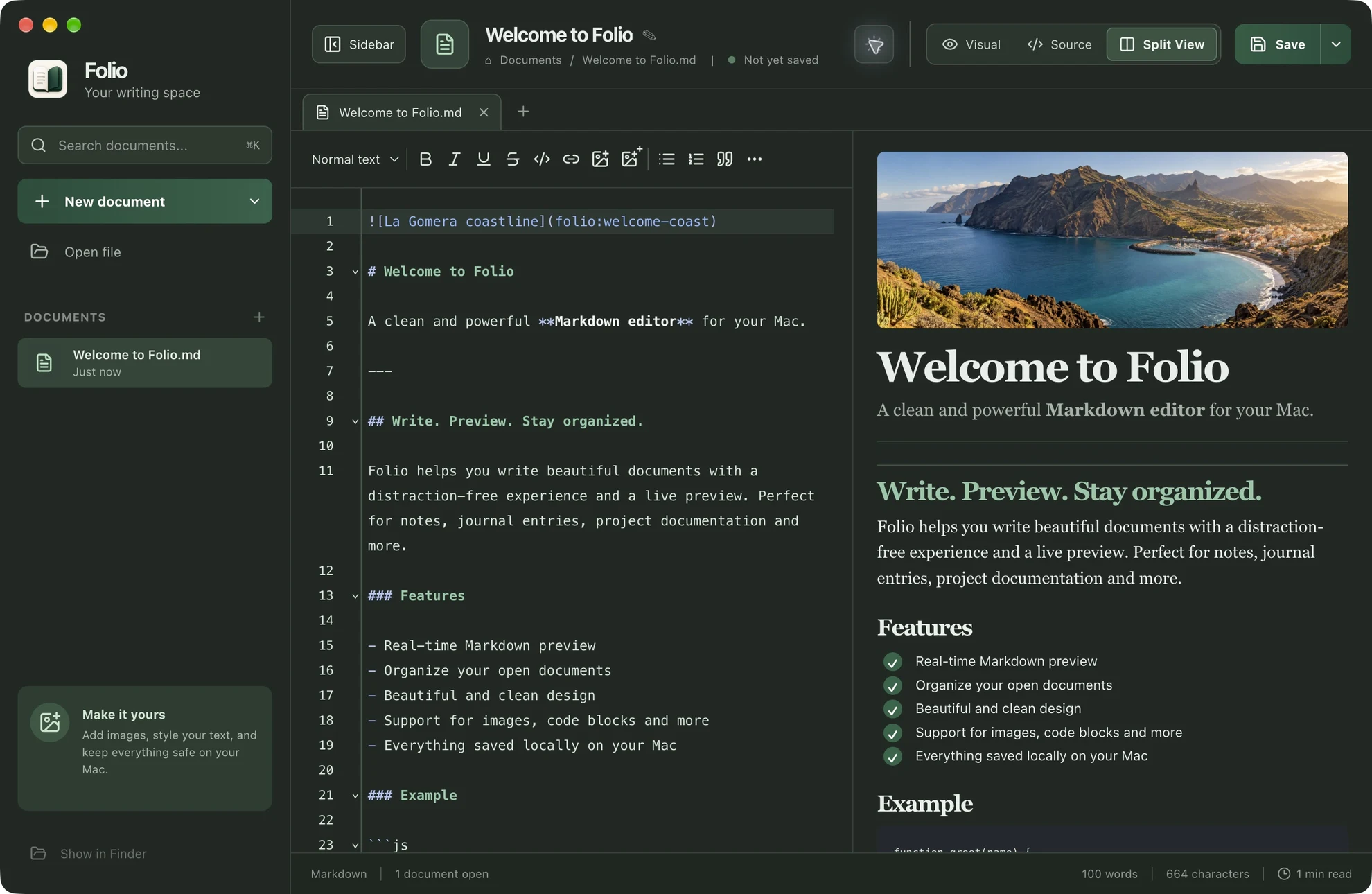
Switch to dark for a quieter evening. Tuck the sidebar away when all you need is the page in front of you.
06 Two platforms, one editor
Same editing experience, same files, same quiet look. Each version is a native desktop app with the platform's own file dialogs and shortcuts.
Version 0.2.3 · not public yet
Ported from the Mac app · reuses the same editors
Shortcuts follow your platform
07 The project behind the page
Folio began with a simple wish: edit Markdown with the ease of a familiar word processor, while keeping the source close at hand.
It grew into a desktop workspace with tabs, local images, native dialogs and a visual language inspired by paper and quiet places. Then it grew a Windows sibling.
 A personal software project by Florin Ilie
08 A few useful details
Markdown (.md, .markdown) and document-style HTML (.html, .htm). Use Visual for formatting, Source for direct edits, or Split View to work with both at once.
Yes. Folio for Windows is a native WPF app on .NET 10 that hosts the same React, Tiptap and CodeMirror editors through Microsoft WebView2. It needs Windows 10 or 11 and the Edge WebView2 runtime.
In ordinary local files on your computer. Images inserted from a file or your clipboard are stored in a folder beside the document. Folio does not upload your documents anywhere.
The Visual editor is designed for document content: notes, headings, lists and images. Full page layouts and scripts are outside its current scope, and scripts in an opened document are never run.
Not yet. Folio is still being developed and there is no public release. This page shows the real app through screenshots and the feature film.